
Introduction
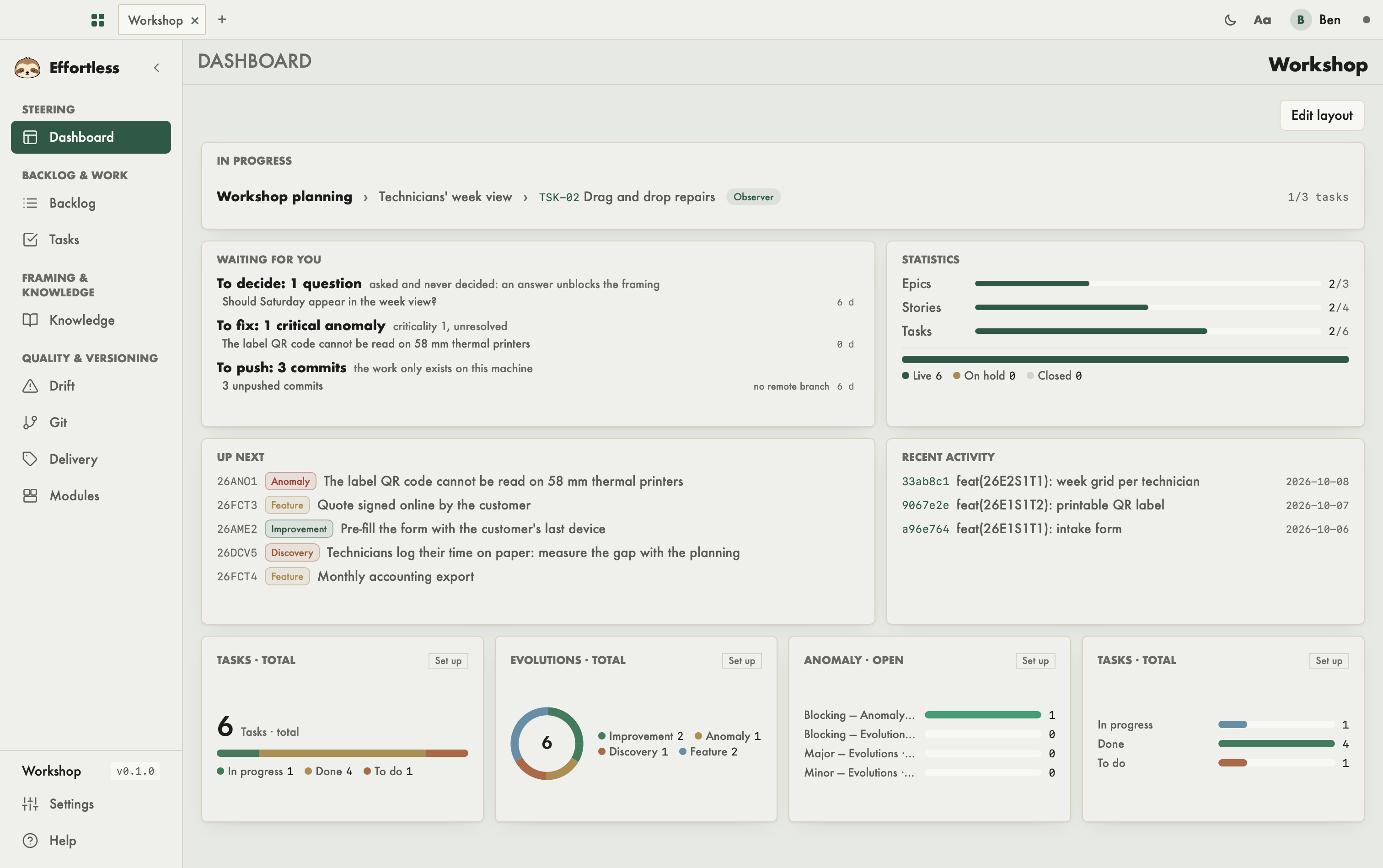
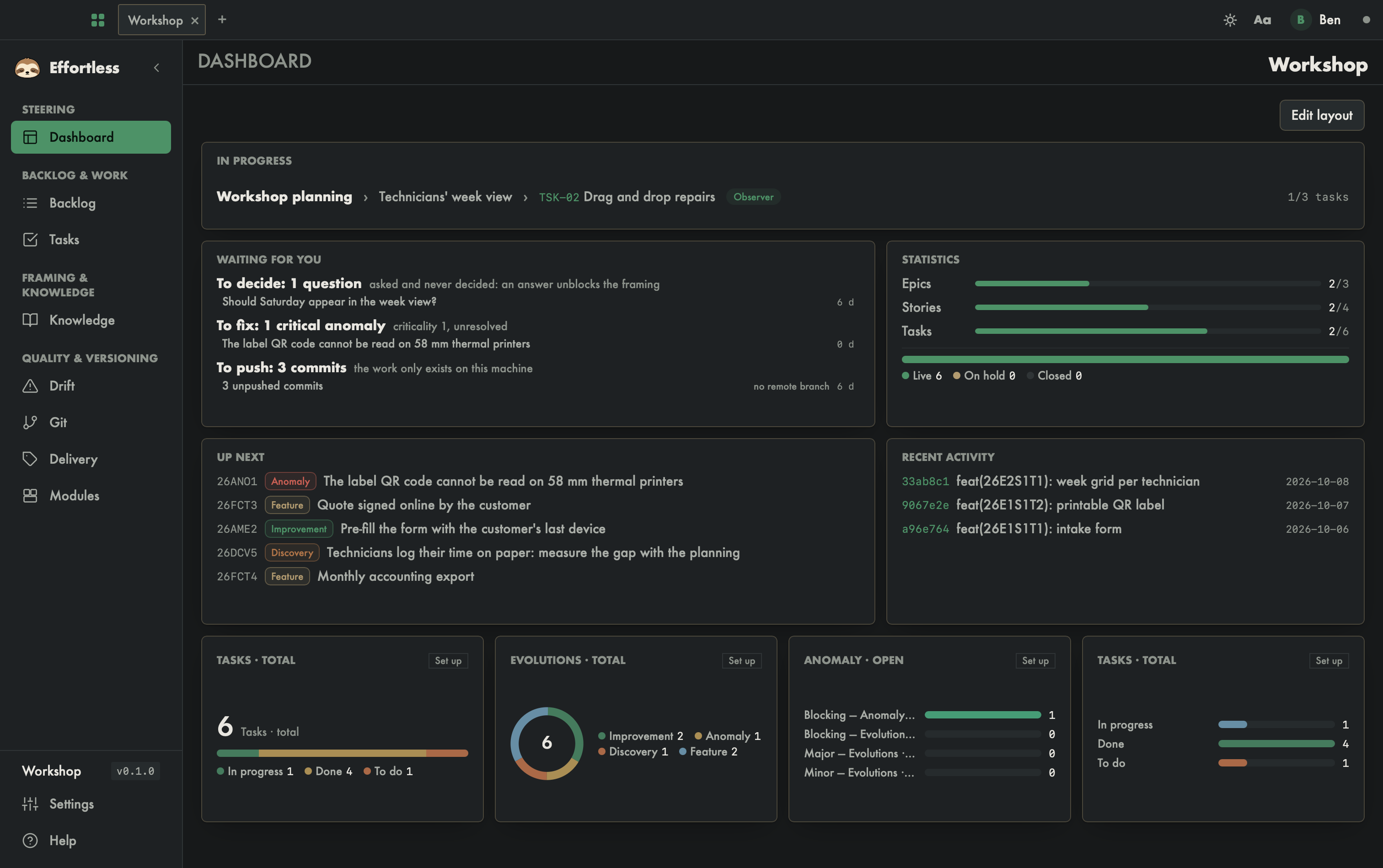
Effortless is a desktop application that takes a software project from idea to delivery along the OPALE pipe. This guide documents the standard edition, screen by screen. AI agents can do the same operations: the application is the human view of what agents do too.
The mental model
Workspace. A workspace is an Effortless project: a folder holding .effortless/ (the data, in JSON) and blueprints/ (the same information, rendered as Markdown). Each workspace opens in its own tab.
Project → Epic → Story → Task. Work is split into four levels. An epic groups stories, a story groups tasks. Only one epic and one story are active at a time: that is where work is focused.
The OPALE phases. A story goes through five phases:
- O: analysis (Observer);
- P: framing (Positionner);
- A: specifications (Articuler);
- L: plan (Lancer);
- E: execution.
A story of kind fix skips framing and starts directly in execution. To move to the next phase, the documents required by the current phase must exist.
Evolutions. The evolution registry is the product's memory: anomalies, features, improvements, discoveries, tests. Each has an identifier (for example 26ANO335), a criticality from 1 to 3 and a status. Evolutions can be grouped into a lot, then graduated into an epic.
Decisions and questions. Decisions (DEC-xx) and open questions are recorded at the story or epic level.
Humans and agents. An AI agent connects to the same engine through an MCP server, with verbs such as effortless_status or effortless_story_start. What the agent does shows up in the application, and the other way round.
The recommended setup
Keep the app open, and work with a command-line agent — Claude Code, Codex or Antigravity — started from the project root (the folder that contains effortless.json). The VS Code integrated terminal, opened on the project folder, works too. See Working at your best.
How the guide is organized
To get started:
- First launch: the startup screen and the assistant that creates your profile.
- Choosing your setup: the work mode and the code layout (modules, external repositories, shared sources), to decide before you start.
- Open a workspace: the picker, your entry point.
- Creation assistant and Adopt an existing project: the two guided flows to start a project.
- Window, bars and tray: tabs, theme, sidebar, shortcuts, and what happens when you close the window.
Then the screens of a workspace, in the order of the sidebar:
- Steering: Dashboard.
- Backlog & work: Backlog and Tasks.
- Framing & knowledge: Knowledge.
- Quality & versioning: Drift, Git, Delivery and Modules.
- At the bottom of the sidebar: Project settings and Help.
- Profile and preferences: application settings, independent of any project.
Each page describes what the screen shows, then what you can do on it. When an MCP verb matches, a "With an AI agent" section names it.