
Project settings
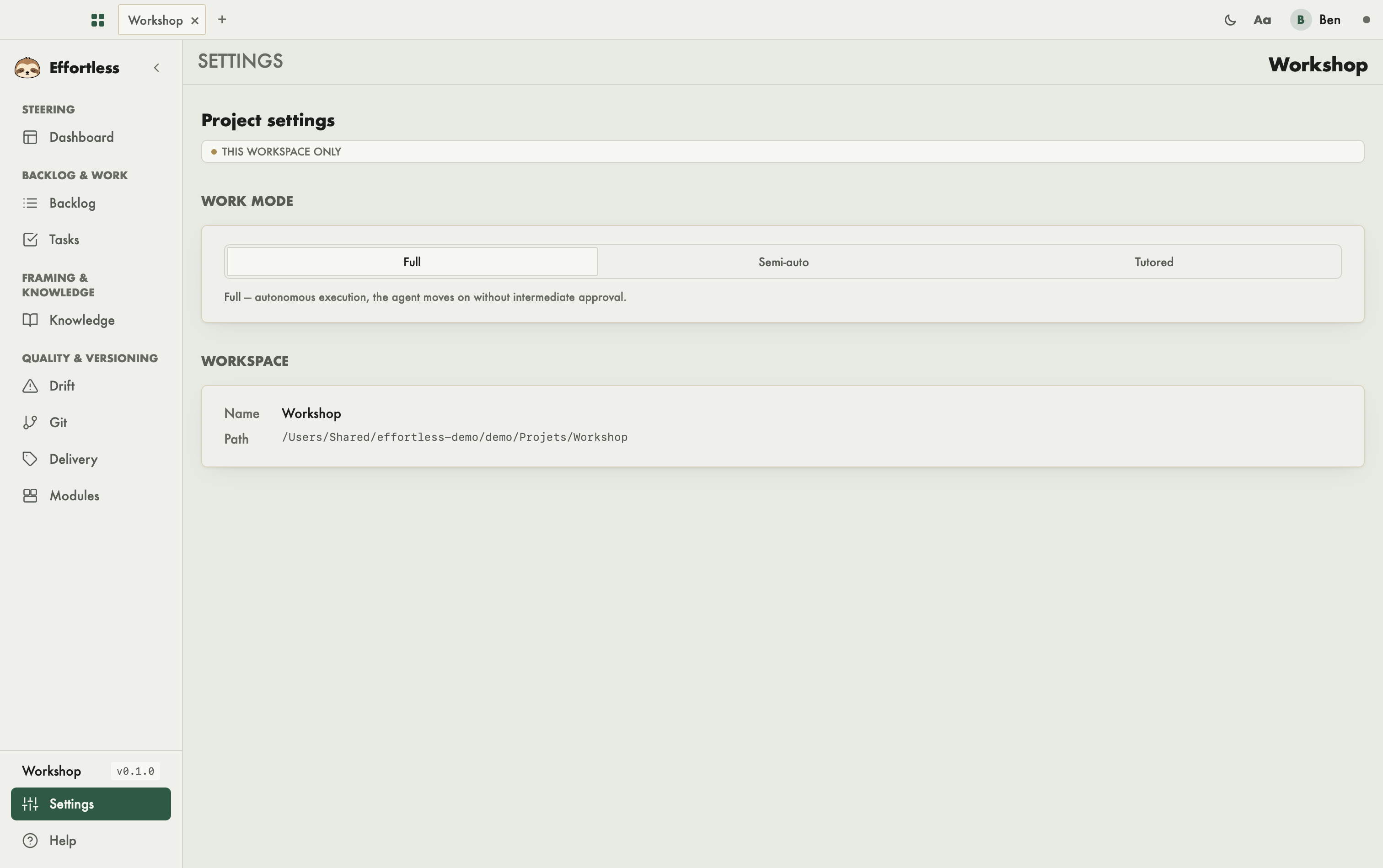
This screen gathers the settings that only concern the open workspace: the working mode and the project's identity details. You come here to decide how far the agent moves on its own.
What you see
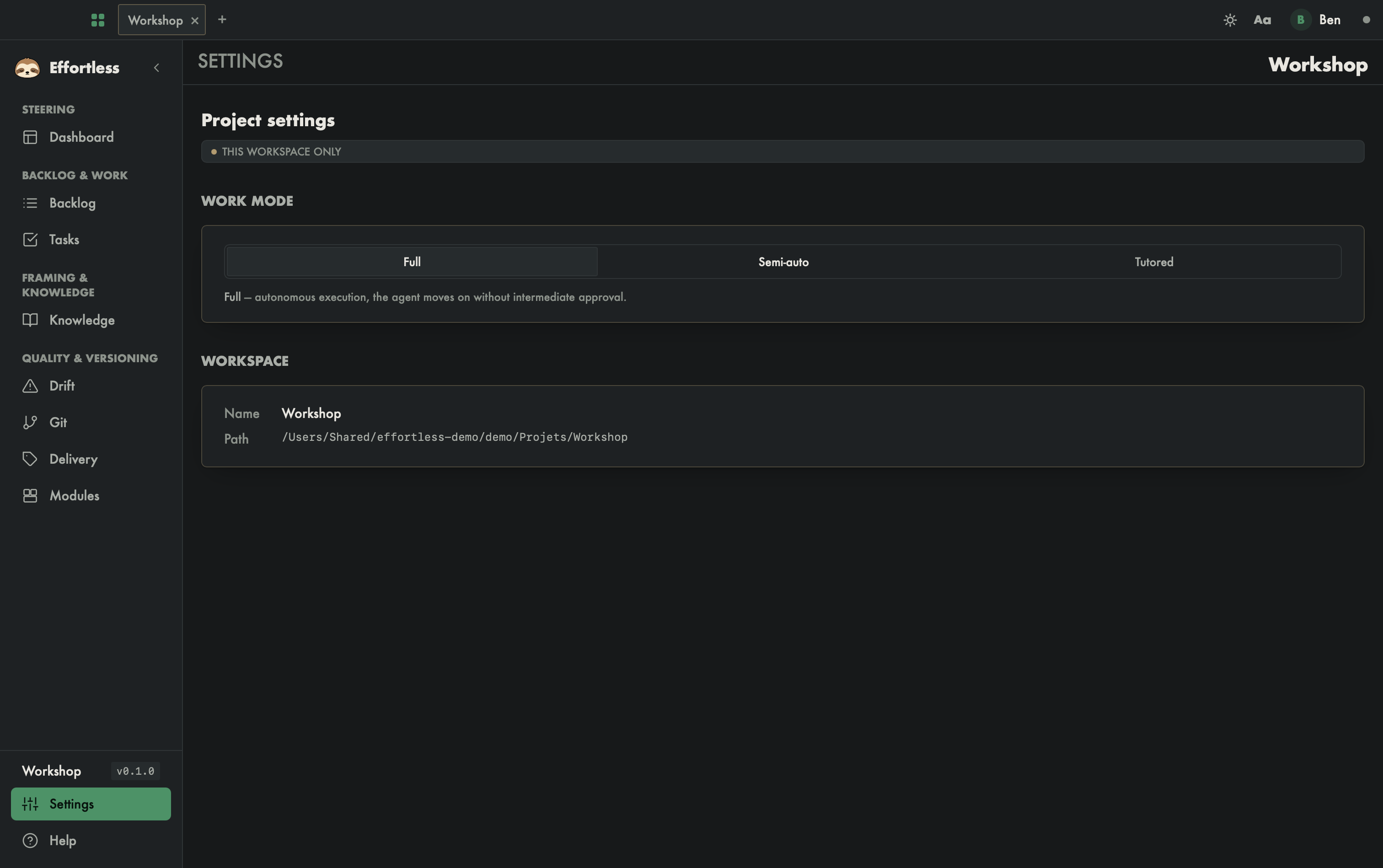
- The Project settings title and a This workspace only badge: what you change here does not affect other projects.
- Work mode: three choices, Full, Semi-auto and Tutored, followed by a sentence describing the active mode.
- Workspace: two read-only rows, Name and Path (the project folder).
What you can do
Change the work mode
Click one of the three modes. The choice is saved for this workspace.
- Full: autonomous execution, the agent moves forward without intermediate validation.
- Semi-auto: the agent proposes, you validate the key milestones.
- Tutored: pedagogical step by step, each step is explained and confirmed.
The mode applies to the agent driving the project. In semi-auto, the Delivery screen also refuses to run a delivery.
Read the workspace details
The Workspace section cannot be edited. Use it to check which folder this is.
Where are the other settings?
Settings that apply to the whole application (identity, theme, language, LLM routing, updates) live in the preferences: see Profile and preferences.
With an AI agent
The mode can also be read and changed through effortless_mode_show and effortless_mode_set.