
Knowledge
This screen gathers everything that has been decided and written for the project: decisions (ADR), open questions (BQO) and framing documents. You come here to find out why a choice was made, or to record a decision.
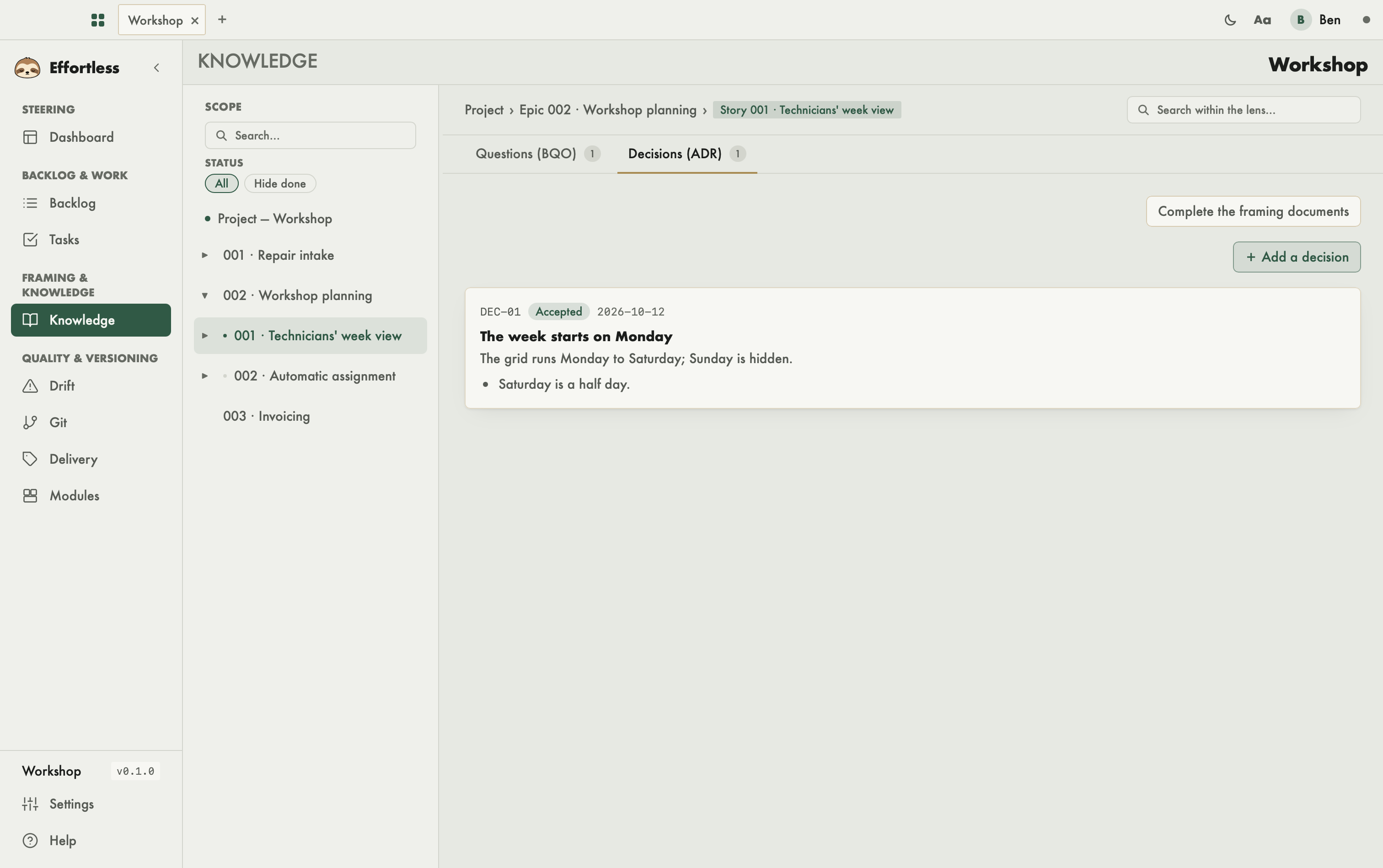
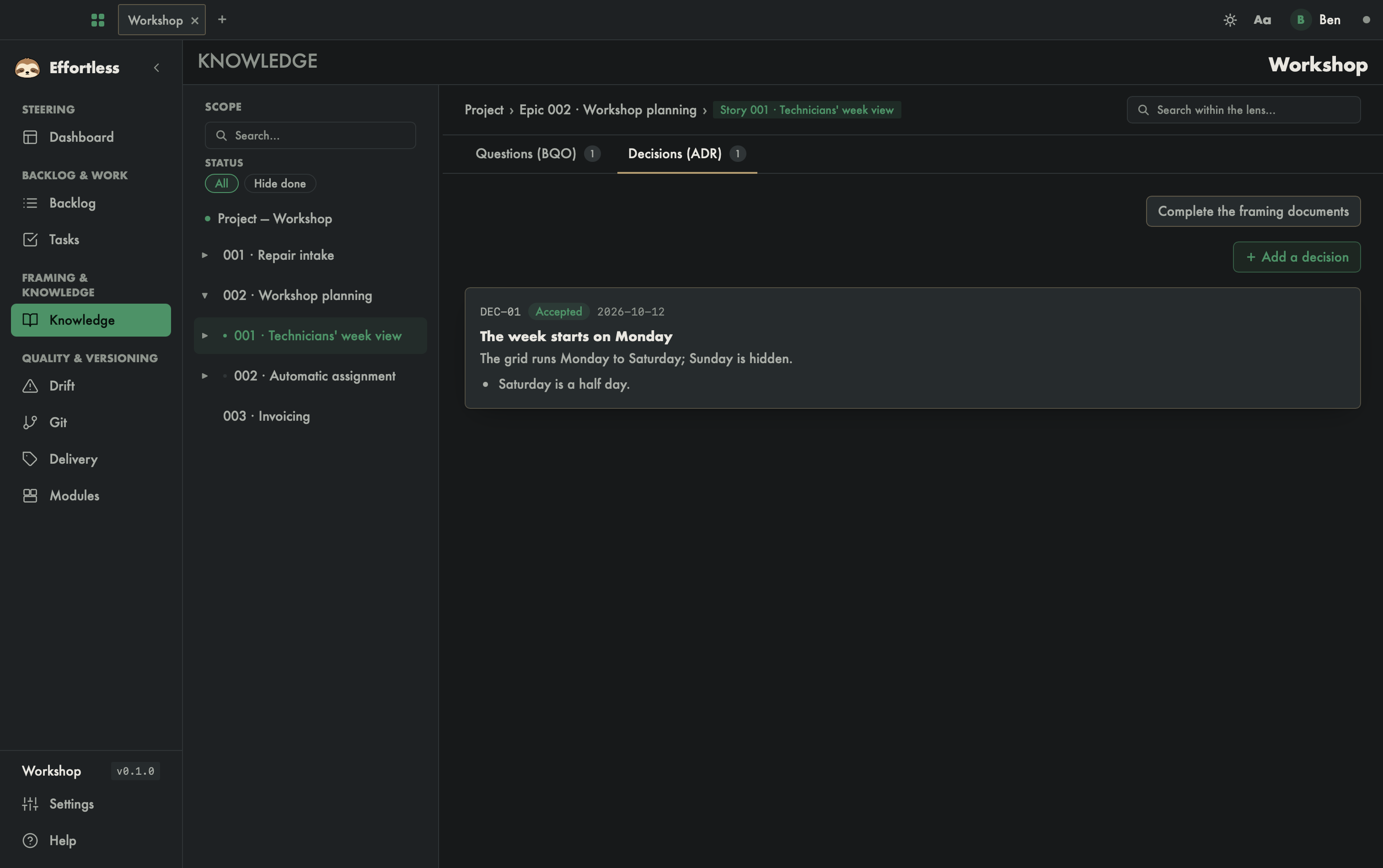
What you see
- Scope (left column): the Project, epics and stories tree, with a Search… field and a Status filter (All / Hide done). Click a node to limit the screen to that scope. You can resize the column with the mouse.
- Breadcrumb (top right):
Project › Epic … › Story …, the scope being shown. - Search within the lens…: filters the displayed content. The
/orCmd/Ctrl+Fshortcut puts the cursor in this field. - The lenses (tabs): one per type of content, with its counter — Decisions (ADR), Questions (BQO), and those that read the framing documents: Project framing (at Project level), Glossary, Analysis, Architecture, Specs, API contract, Plan and Acceptance (from an epic down). Only lenses with content in the scope are shown; on a story, Decisions (ADR) and Questions (BQO) always stay visible, even empty, so that you can add to them.
- The content: for example a decision card with its identifier (
DEC-01), status (Accepted), date, title, text and consequences. - On the Project framing lens, at Project level, a banner shows the Next layer to write, or "Project framing complete — all 4 layers are written."
What you can do
- Change scope: click a project, epic or story in Scope. On opening, the screen goes back to the last scope and lens you viewed in this project; the first time, it lands on the active story.
- Search: type in Search… (tree) or Search within the lens… (content). Matching terms are highlighted.
- Add a decision: on a story, in the Decisions (ADR) lens, click + Add a decision and fill in the form (title, context, decision, consequences, rejected alternatives).
- Add or resolve a question: on a story, in the Questions (BQO) lens, + Add a question and fill in Question, Impact and Suggestion. On an open question of a story, Resolve, type the Answer, then Confirm. At Project or Epic level, questions can be read but not resolved: go down to their story.
- Complete the framing documents: on a story, this button creates the missing OPALE documents. The screen tells you how many were created, or that framing is already complete.
On a story, even a new and empty one, these buttons are always there: Complete the framing documents on every lens, + Add a decision and + Add a question on their own lens.
Tips
- Filter facets (status, impact, origin) appear depending on the lens and the scope.
- A lens with no content in the scope is not shown. If none is left, the screen shows "No knowledge available in this scope.": pick another item in the tree.
View a task
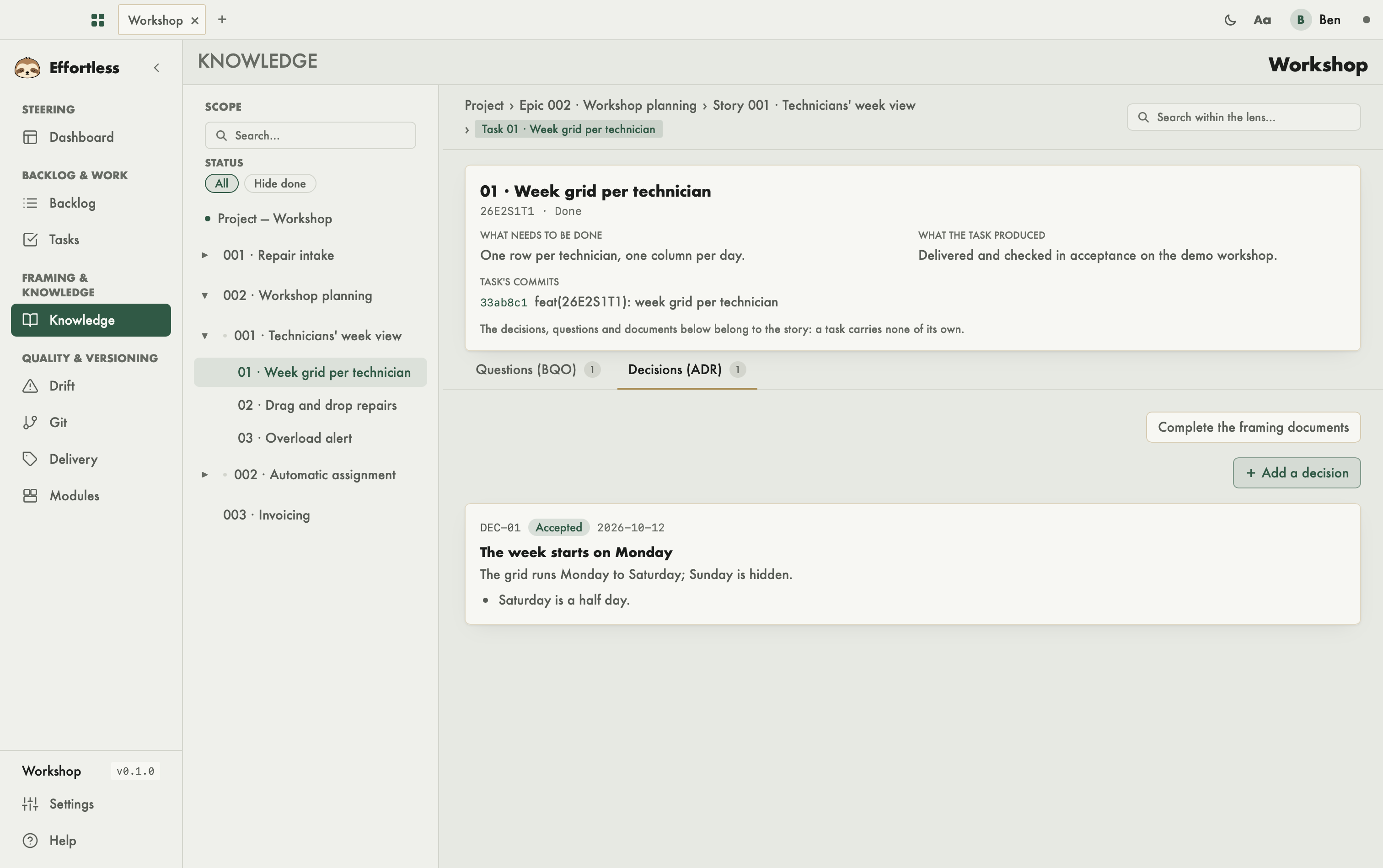
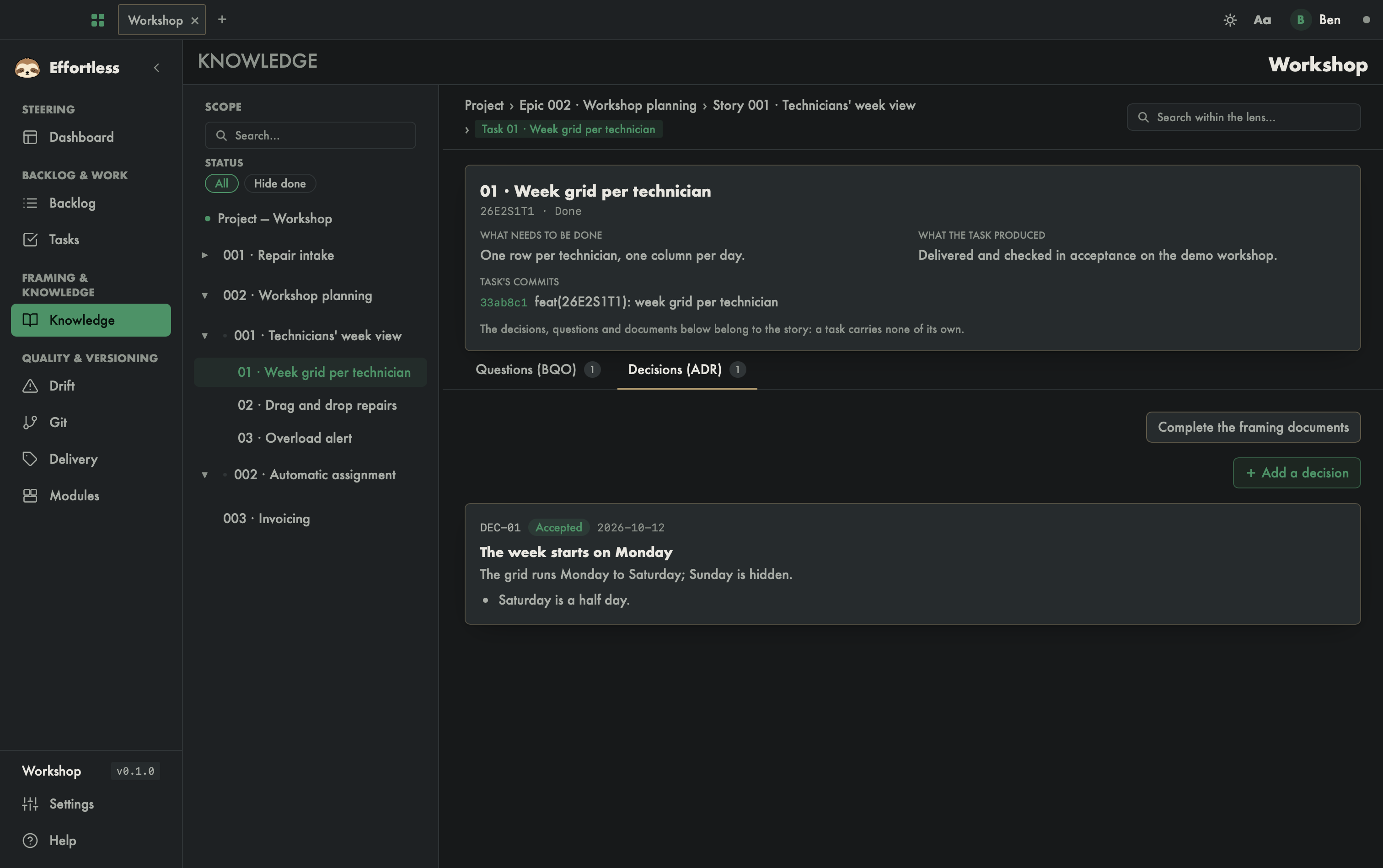
Clicking a task in the tree shows its card at the top: what needs to be done, what it produced, and its commits. A task carries no decision or question of its own: what follows the card is its story's knowledge, and the page says so.
With an AI agent
Agents record the same material with effortless_decision_add, effortless_question_ask and effortless_question_resolve, read it with effortless_project_tree and effortless_story_items, and search it with effortless_docs_search. The Complete the framing documents button matches effortless_cadrage_docs_scaffold.