
Drift
This screen checks that modified code matches declared work. You come here before a commit, or when an agent has touched the code, to see whether the rule "no code without a task in progress" is respected.
What you see
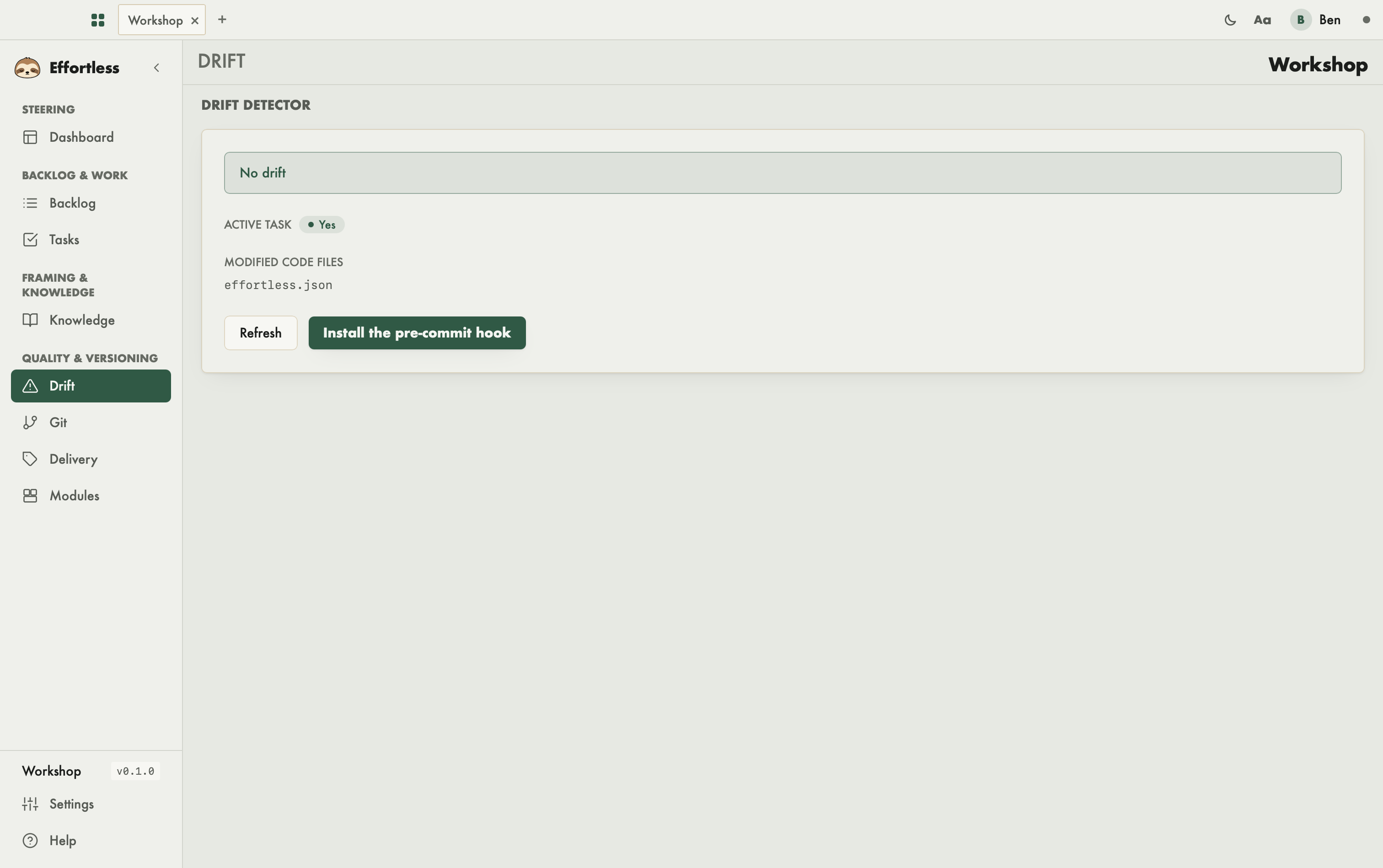
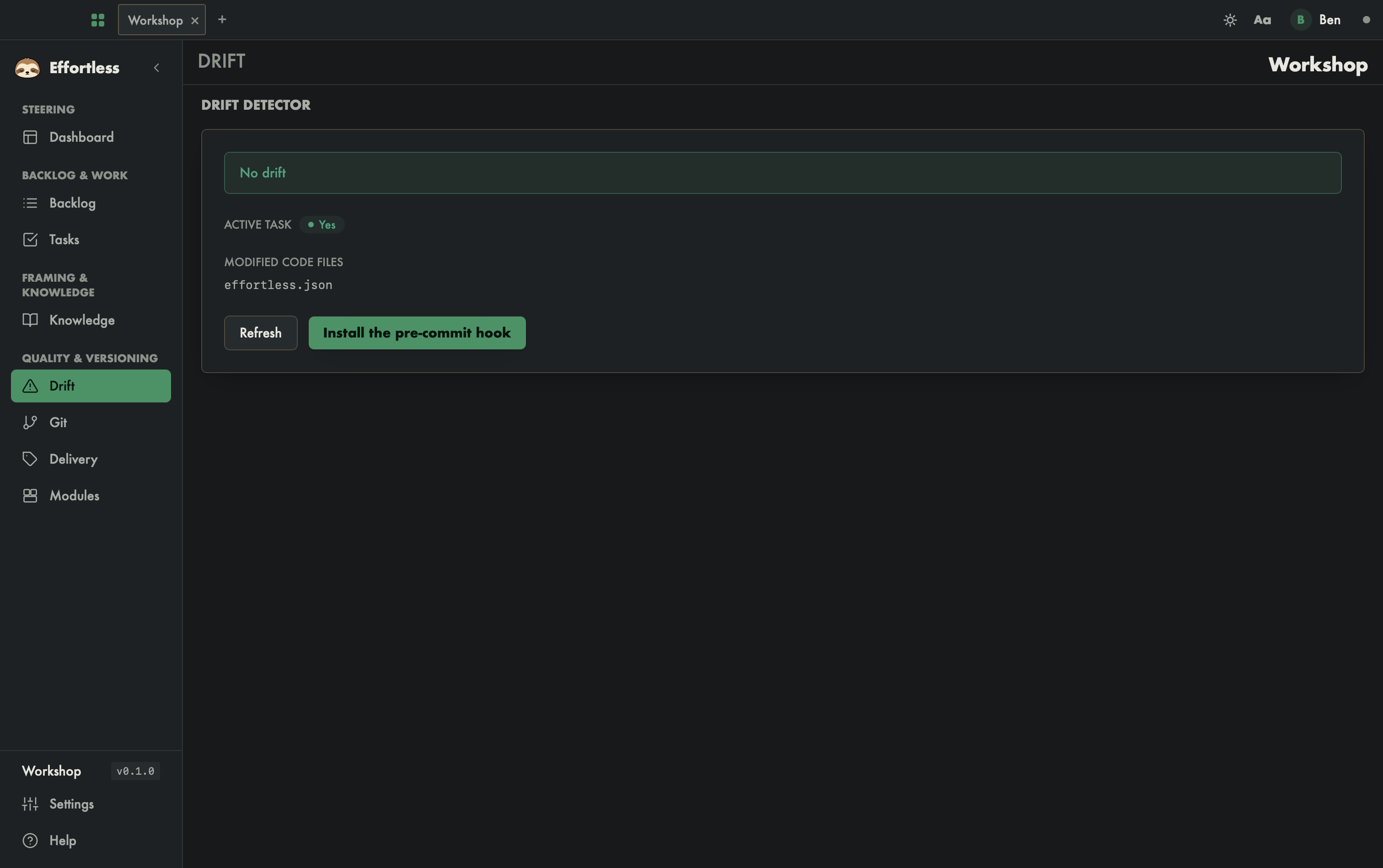
Under the Drift detector title, one card gathers:
- The verdict: No drift (green background) or Drift detected (orange background).
- Active task: Yes if at least one task of the project is In progress, whatever its story — this is the anti-drift hook's rule at commit time; No otherwise.
- Modified code files: the code files modified in the repository. If there are none, the screen shows "No modified code file." Stacks that declare their own repository are checked too; their files are prefixed with the stack identifier.
- Two buttons: Refresh and Install the pre-commit hook.
When is there drift?
There is drift when code files are modified and no task is In progress. Metadata files (.effortless/, blueprints/) do not count as code.
To clear a drift, set the relevant task to In progress on the Tasks screen, or create one.
What you can do
- Refresh: reads the repository state again. The screen also reloads by itself when the project changes.
- Install the pre-commit hook: installs a git hook that refuses code commits without a task in progress. The screen confirms with "Success: Hook installed:" followed by the hook path.
- When the hook is already in place, the button becomes Reinstall the pre-commit hook and Refresh becomes the primary button.
Tips
- Do not use
--no-verifyto get around the hook: declare the task instead. - If the screen shows an error, check that the folder is a git repository (Git).
With an AI agent
Agents have effortless_drift_check to read the same verdict and effortless_drift_hook_install to install the hook.