
Git
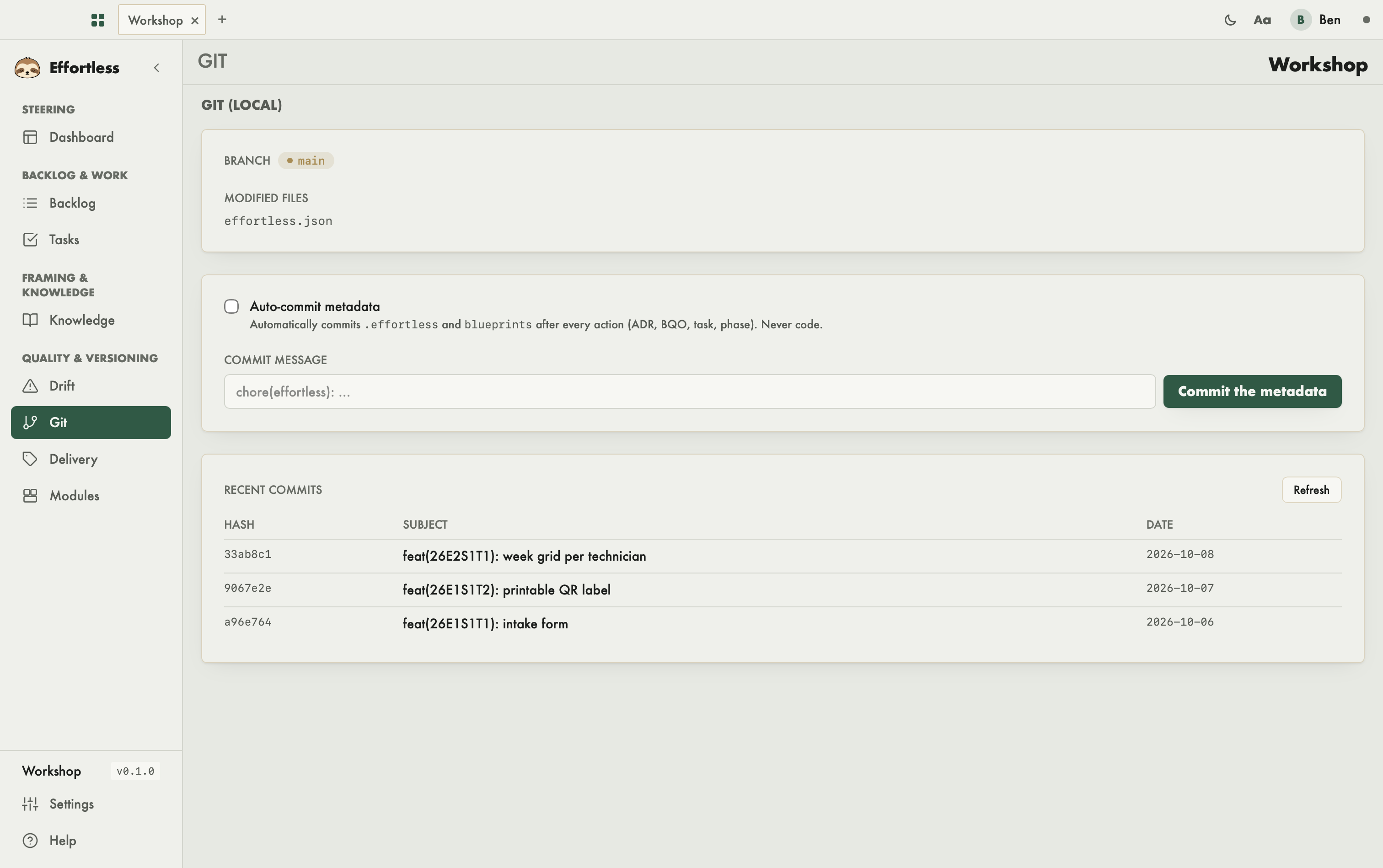
This screen shows the local git state of the workspace and lets you commit Effortless metadata without leaving the app. You come here to see what has changed, or to record the tracking state in the history.
What you see
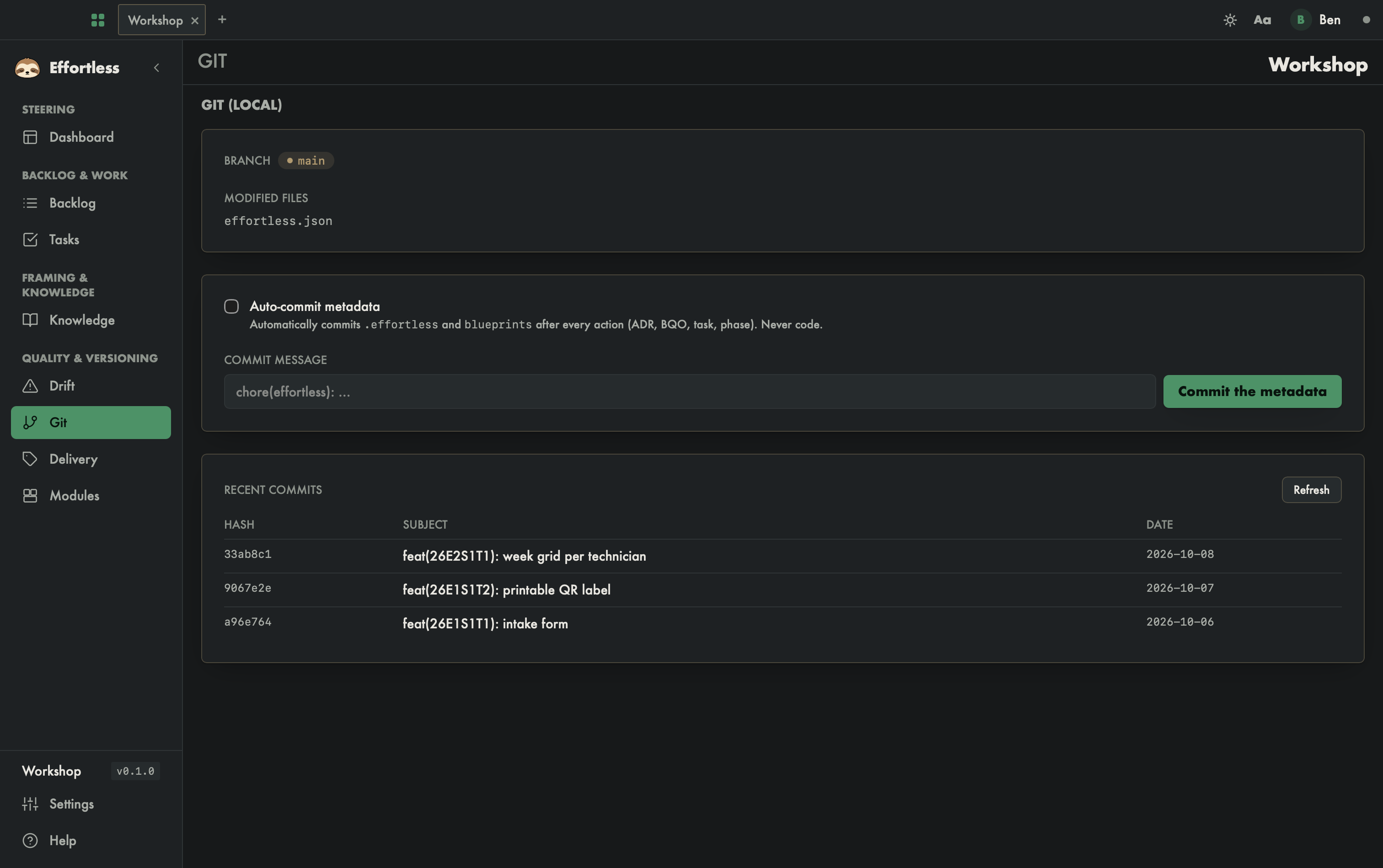
Under the Git (local) title, three cards follow one another from top to bottom. The screenshot only shows the beginning; scroll down to see the rest.
- Branch and Modified files: the current branch, then the list of modified files. If the tree is clean, the screen shows "Working directory clean." If the folder is not a repository, it shows "This directory is not a git repository."
- Auto-commit metadata, Commit message and the Commit the metadata button.
- Recent commits: a table (Hash, Subject, Date) of the last ten commits, and a Refresh button.
What you can do
Turn on auto-commit
Tick Auto-commit metadata. Effortless then automatically commits .effortless and blueprints after every action taken in the app (ADR, BQO, task, phase). It never commits code. Each auto-commit is announced by a notification ("Auto-commit …" followed by the hash), or says why it was skipped.
The box is not remembered: it goes back to unticked when you return to the picker or the preferences, and at every launch.
Commit the metadata by hand
- Type a Commit message. If you leave it empty, Effortless uses
chore(effortless): update metadata. - Click Commit the metadata.
The screen shows "Commit created:" followed by the hash. The button is disabled if the folder is not a git repository.
Reread the history
Click Refresh to read the state and the commit list again.
Tips
- This button only commits metadata. You still commit your code files yourself; the hook from the Drift screen then checks that a task is in progress.
- A branch shown as "(none)" means the repository has no commit yet or is not attached to a branch. With no commit at all, the table shows "No commit in the history."